

How to Make a Photo Blanket That Looks Thoughtful, Not Rushed
A photo blanket can turn one ordinary image into something useful, comforting, and deeply personal. The best results do not begin with a template. They begin with a clear purpose: who will use the blanket, where it will live, and what memory you want it to carry. This guide walks you through the choices that matter most, from image quality and cropping to layout, size, colour, and final checks.
Start with the person, not the picture
Before opening a photo folder, decide what the blanket should feel like. A single portrait can create a calm memorial or anniversary keepsake. A collage can tell a longer story, such as a family year, a pet’s funniest moments, or a collection of travel memories. For grandparents, a simple arrangement of children and grandchildren is usually easier to read than a crowded mosaic. For a partner, one meaningful photo with a short date or name often feels more intentional.
Step 1: Choose a photo with enough detail
Use the original image whenever possible. Screenshots, images downloaded from social media, and photos forwarded through messaging apps may have been compressed. A strong blanket photo usually has a clear subject, even lighting, and enough space around faces or important objects for cropping.
Zoom in before uploading. If eyes, fur, or fine edges already look blocky on a screen, they will not become sharper when printed larger. Bright outdoor shade and window light are often more forgiving than harsh flash. If the image is dark, make a gentle exposure adjustment rather than applying a heavy filter.
Step 2: Crop for the blanket’s shape
A blanket is wider than many phone portraits. Preview how the image fills the printable area and watch the edges carefully. Keep faces, pet ears, hands, and meaningful background details away from the trim zone. If a vertical picture loses too much, choose a layout that places it inside a framed area instead of stretching it edge to edge.
For a collage, use one “hero” image and support it with smaller photos. Repeating the same picture rarely adds value. Vary wide scenes, close-ups, and small details so the eye has a clear path.
Step 3: Pick a size for real life
Think about use before choosing dimensions. A smaller throw works well for a reading chair, dorm, or stroller-side cuddle. A larger blanket suits a sofa or bed and gives a multi-photo layout more breathing room. Check the dimensions shown on the product page before ordering; room labels such as throw or large can vary by design.
You can explore Callie’s photo blanket collection to compare currently available formats and personalization layouts. If the gift is part of a broader memory theme, the photo gifts collection can help you coordinate a blanket with another keepsake without forcing every item to use the same image.
Step 4: Choose a layout that supports the memory
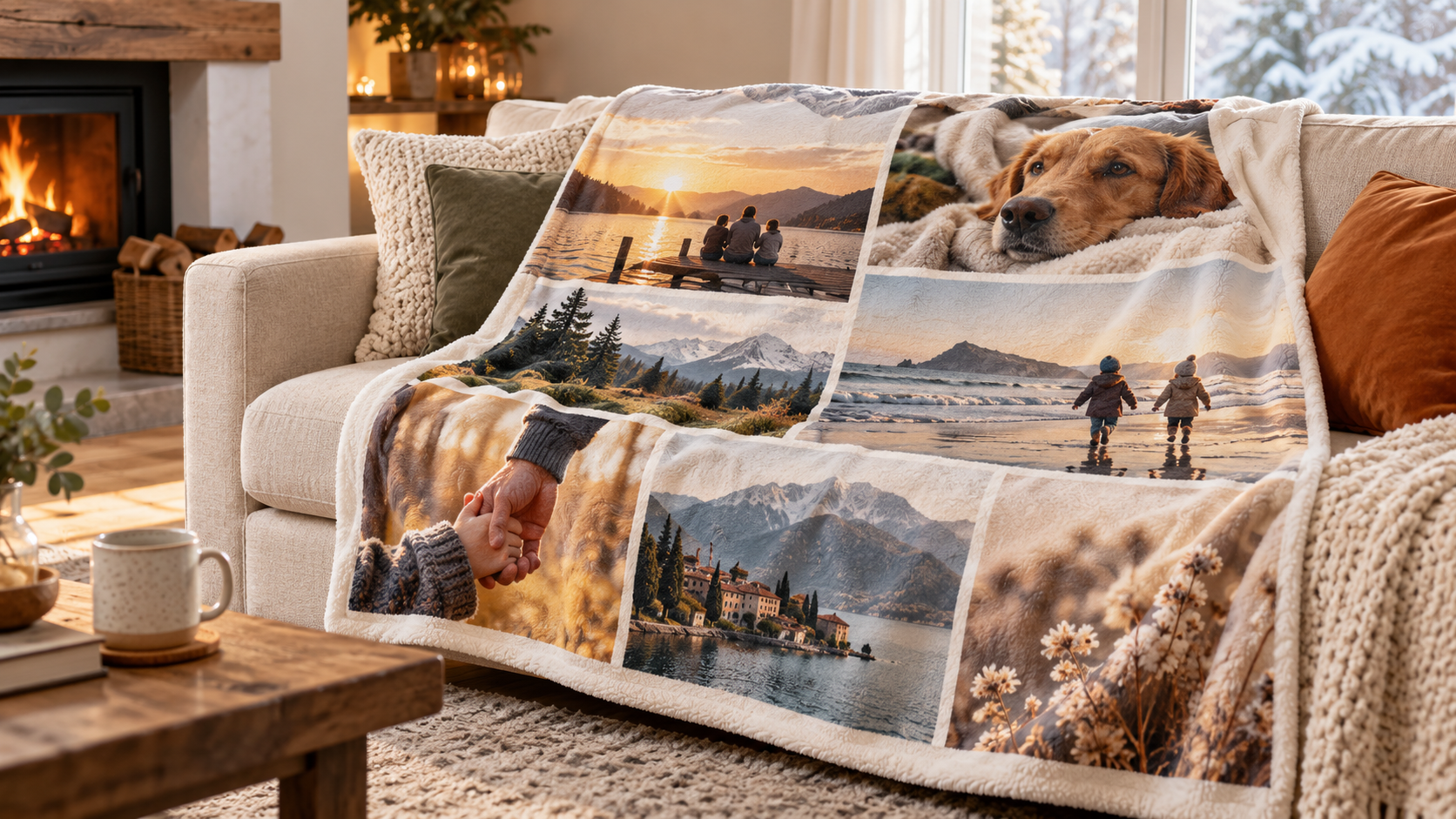
A single-photo design is best when the picture is already strong and emotionally clear. A grid works for equal-weight images, while an organic collage feels more casual. A timeline layout can move from childhood to the present. For a pet blanket, combine one clear portrait with two or three detail shots rather than filling every available space.
Keep text short. Names, a date, coordinates, or one brief line usually remain legible and give the image room to breathe. Avoid long quotes, thin script fonts, or low-contrast lettering placed over a busy background.
Step 5: Balance colour and contrast
Look at the photo’s dominant colours. Warm neutrals, soft blues, and muted greens tend to work across seasons. If you add a border or background, choose a colour already present in the picture. Strong contrast helps names and dates remain readable, but pure black and white can feel harsher than deep charcoal and warm cream.
Do not rely on your phone’s brightest screen setting. Reduce screen brightness before the final review; this can reveal shadows that may print darker than expected.
Step 6: Preview every edge
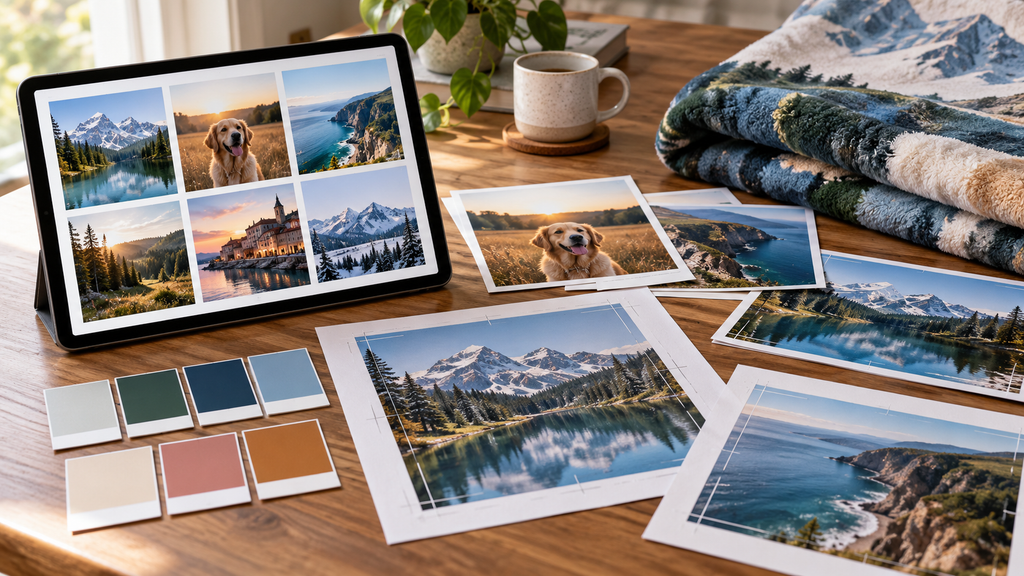
Use the customization preview as a proof, not a decoration. Check spelling, dates, image orientation, duplicated photos, and the position of every face. Make sure no important detail sits close to a seam or edge. If another person is available, ask them to review the preview without telling them what to look for; fresh eyes catch small mistakes quickly.
Step 7: Plan the presentation
A photo blanket already carries the main story, so the wrapping can stay simple. Fold it so one recognizable image shows, secure it with a wide ribbon, and add a card explaining why you chose the memory. For long-distance gifts, include a note inviting the recipient to open the blanket during a video call.
If you want more guidance on preparing photos for personalized décor, Callie’s canvas photo guide explains useful principles such as lighting, resolution, and crop awareness that also apply here.
Three ready-to-use photo blanket concepts
The family year: Choose one photo from each season, then place the strongest family portrait in the centre.
The pet story: Use one clear pet portrait, one action shot, and one quiet everyday moment.
The travel map: Pair destination photos with a date or location, keeping text brief and consistent.
Common mistakes to avoid
Do not upload a screenshot when the original file is available.
Do not place every photo at the same small size.
Do not crowd the design with a long message.
Do not assume a vertical image will fill a horizontal layout without cropping.
Do not skip the final preview because the first version looks “close enough.”
Frequently asked questions
How many photos should go on a photo blanket?
Use only as many as the layout can show clearly. One strong image may be enough; a collage often works best with a small, edited set rather than dozens of tiny photos.
Can I use an old printed photo?
Yes, if you scan it at a useful resolution and clean dust or scratches carefully. Avoid photographing the print under overhead light, which can create glare.
What if my photo is too dark?
Try the original file, raise exposure gently, and avoid aggressive filters. If facial details remain hard to see, choose a brighter image.
Should I add a message?
A short name, date, or one-line dedication can strengthen the story. Keep it concise and place it where contrast is clear.
Final check before you order
Confirm the person, purpose, photo quality, crop, size, spelling, and preview. A few careful minutes at the end protect the memory you worked to create—and help the blanket feel personal every time it is used.